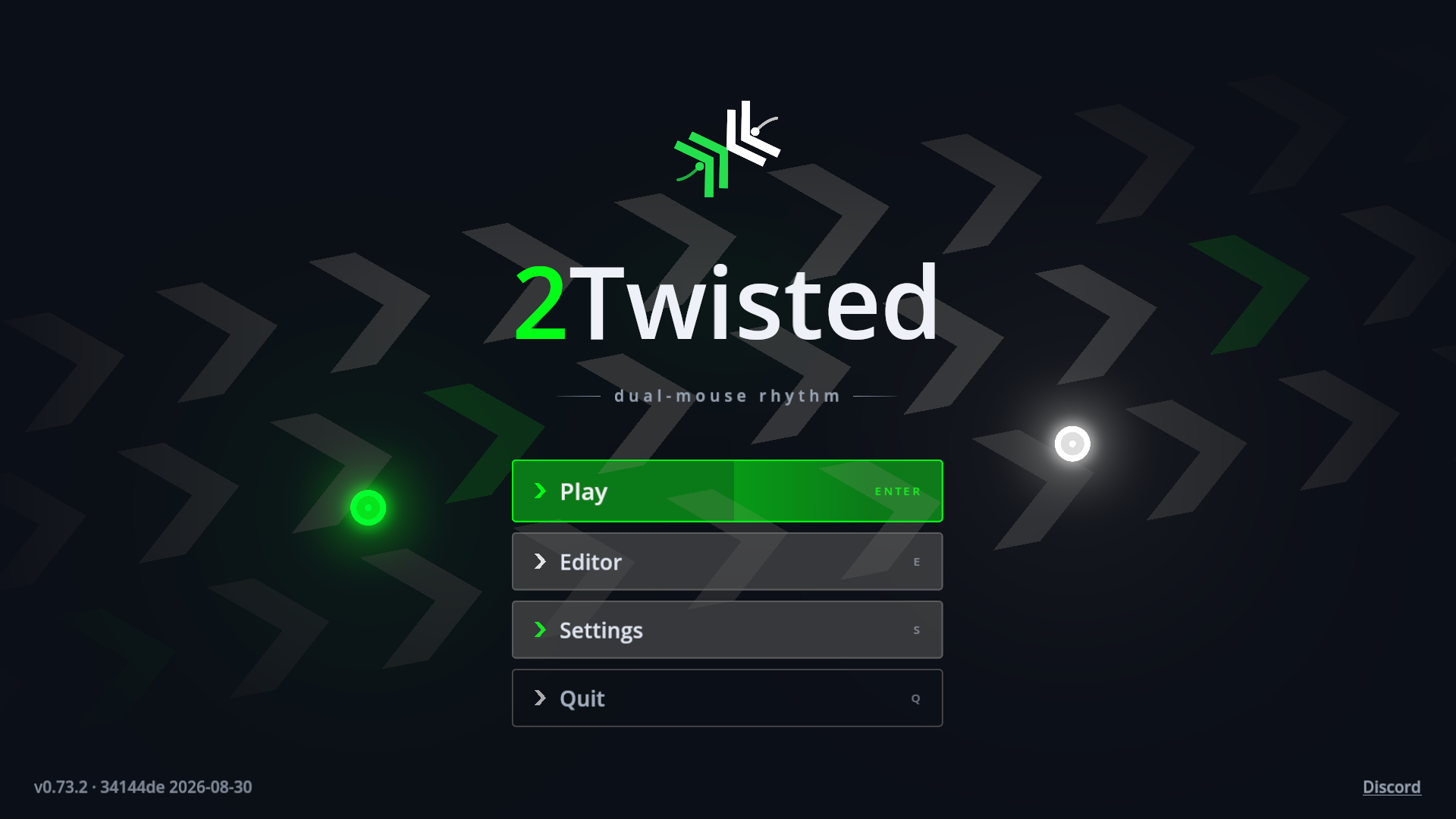
2Twisted
A downloadable game for Windows, macOS, and Linux
2Twisted, Two mice.
2Twisted is a rhythm game you play with two mice. Each hand gets a cursor, and you swipe the matching colour through every note in the direction it points.
Only got one mouse? Turn on Left only, Right only or Colorless mods and play the whole thing one-handed.
It is highly recomended to use the Free Aim and Free Aim ∞ difficulty reduction Mods If having difficulty with aiming.
Features
- 11 songs, Pro and Beginner difficulties, Creative Commons music, fully credited in-game.
- A 5-chapter tutorial. Learn the swipe, both hands, sustains and anchors. Start here!
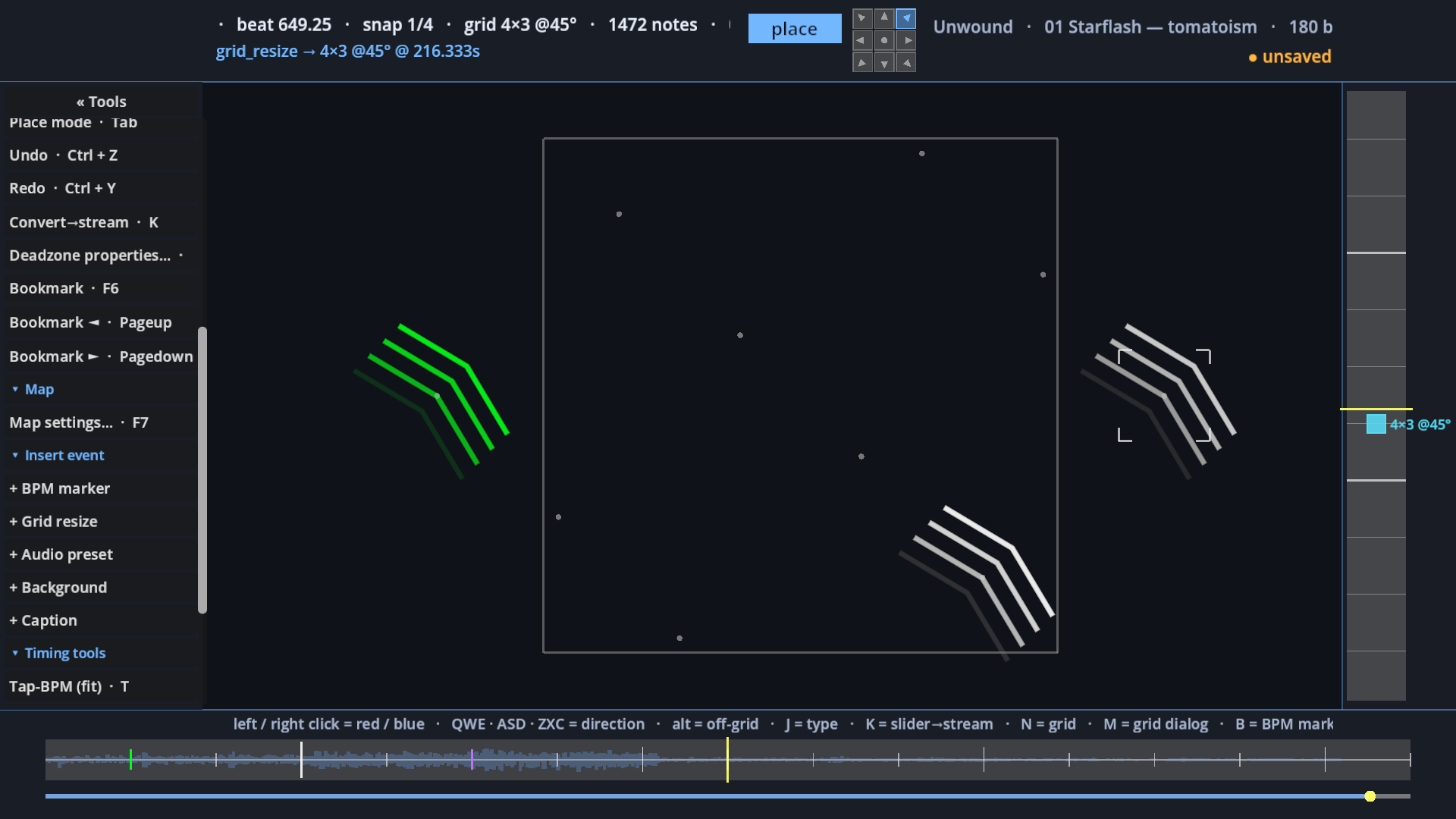
- A full map editor. Chart your own music: timing, note types, backgrounds, captions.
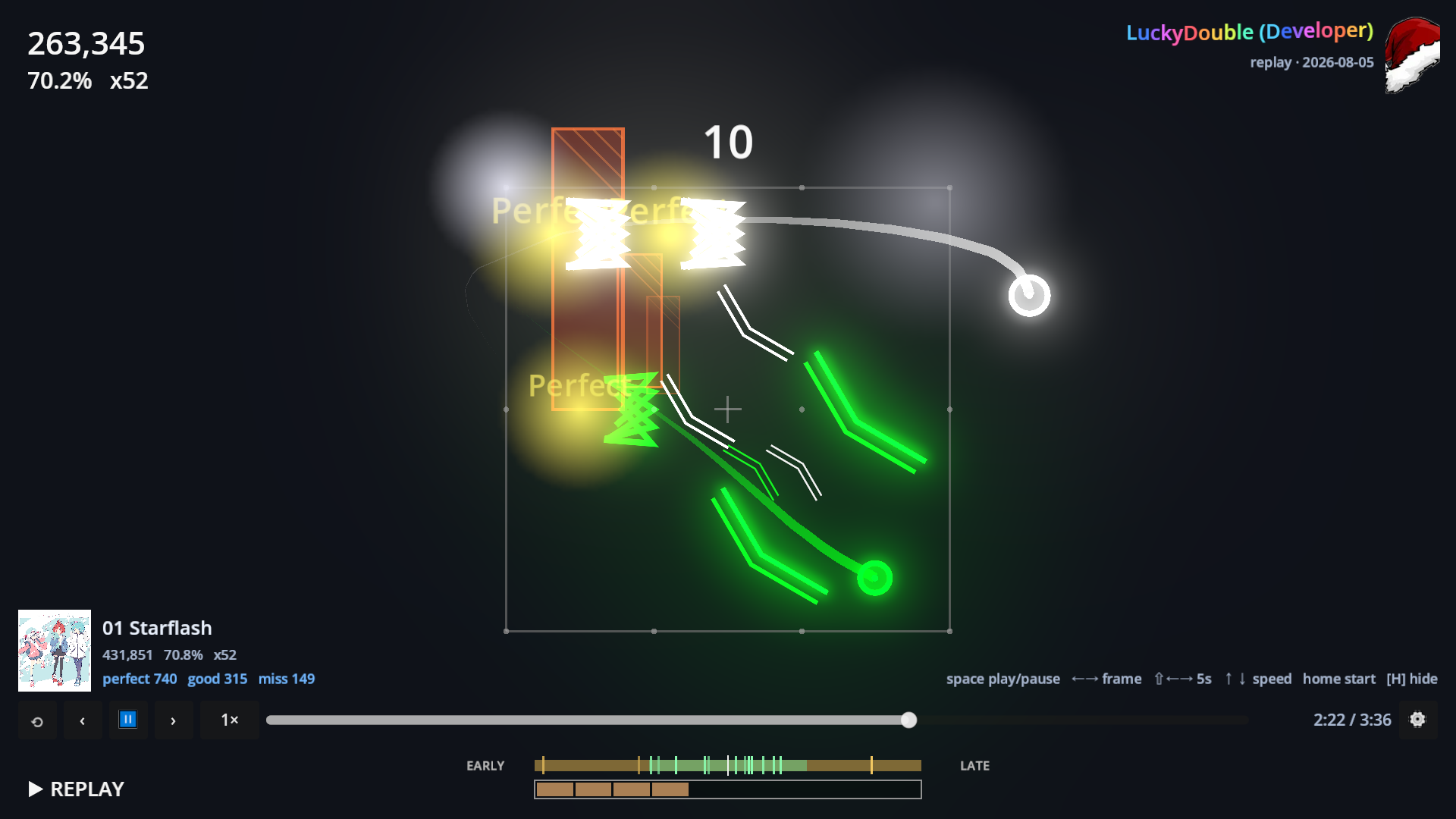
- Replays on every run. Scrub them, step frame by frame, watch them with your skin or the recorder's.
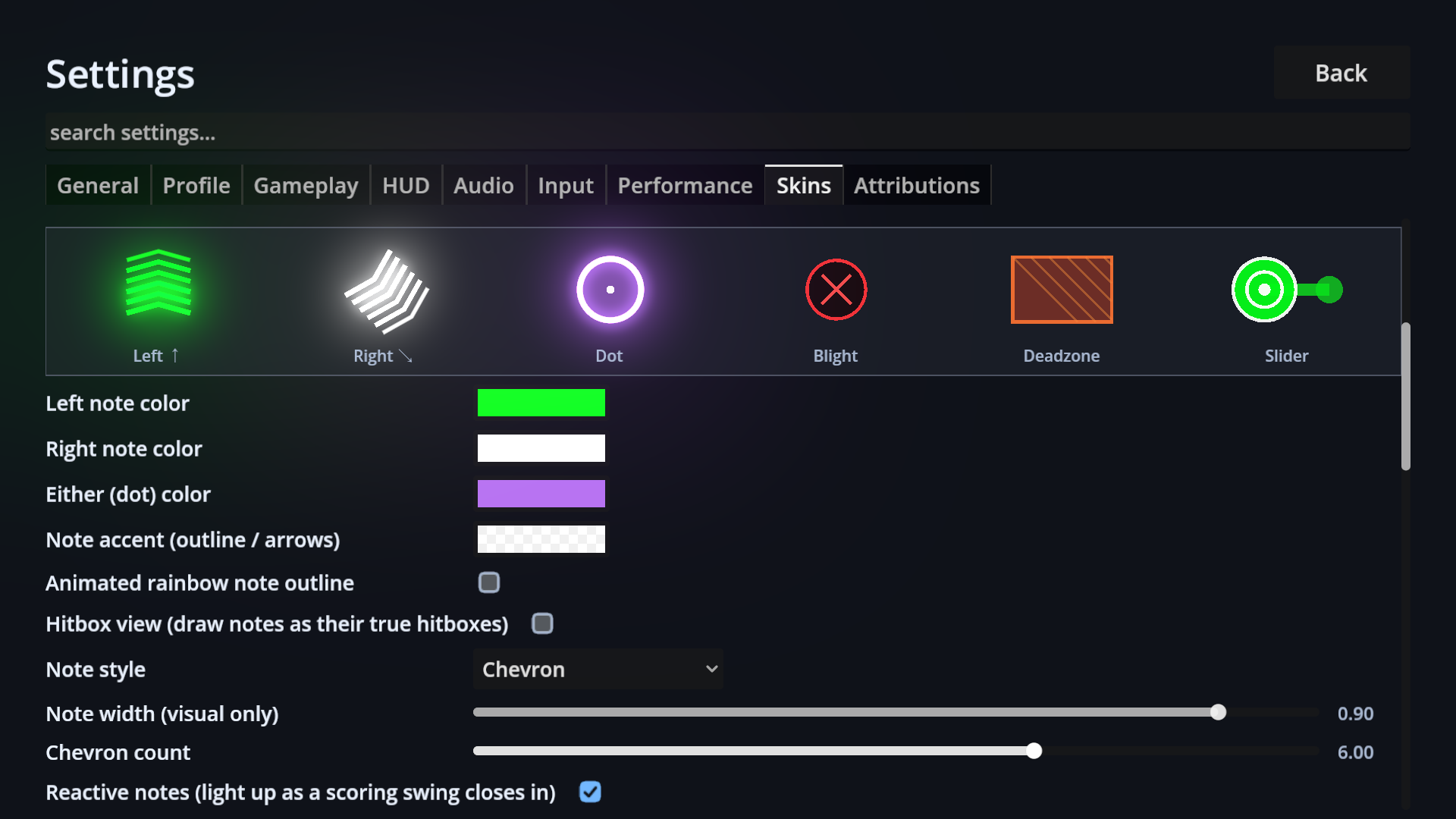
- Skins. Colours, cursor shapes, trails and note art, all plain JSON you can edit.
- 9 languages, including full Japanese, Korean and Chinese.
Free, offline, no account, no launcher.
This is an Alpha version and drastic changes may occur, invalidating scores, replays and maps.
No permission needed to stream, monetize streams, or to share your created maps.
Download
Install instructions
Windows
Extract the whole folder and run **2Twisted.exe**.
Windows will say "Windows protected your PC" because the build isn't code-signed. Click
More info, then Run anyway. Nothing to install, the .NET runtime is bundled.
Linux
Extract, then let yourself read the two mice directly:
`sudo usermod -aG input $USER`
Log out and back in, then run `./2Twisted.x86_64`. Reading two mice separately means reading the kernel's input devices, so your user has to be allowed to. If it won't start,
`chmod +x 2Twisted.x86_64`.
macOS
The app isn't signed or notarized, so macOS refuses to open it and may say it's damaged.
It isn't. In Terminal, from the extracted folder:
`xattr -dr com.apple.quarantine 2Twisted.app`
Then open it normally and grant Input Monitoring when asked (System Settings → Privacy & Security). Without it macOS won't let the game see your mice.
Development log
- Mouse + Pen now Supported.1 day ago